

Gratis bruksanvisninger for Atika – les, last ned og skriv ut
8 Manualer
Manualer
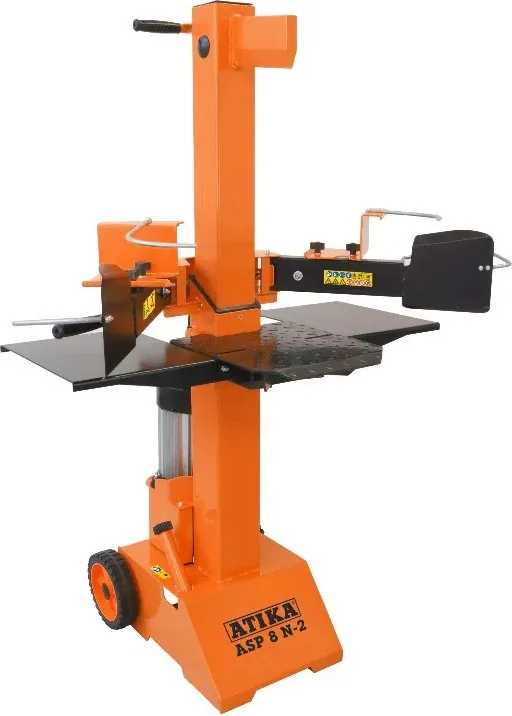
6 sider

156 sider

164 sider

6 sider
120 sider
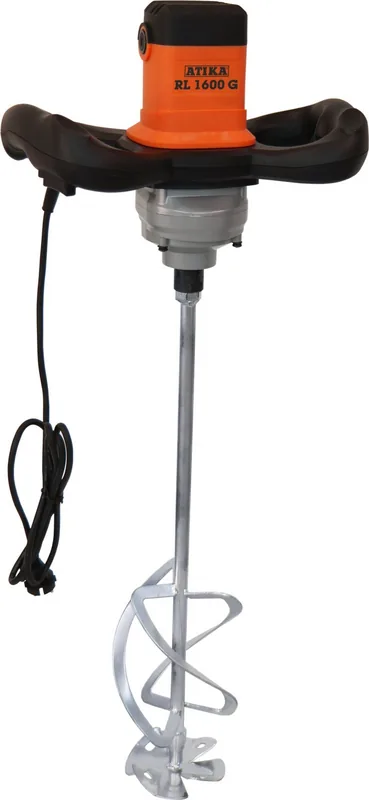
120 sider

116 sider
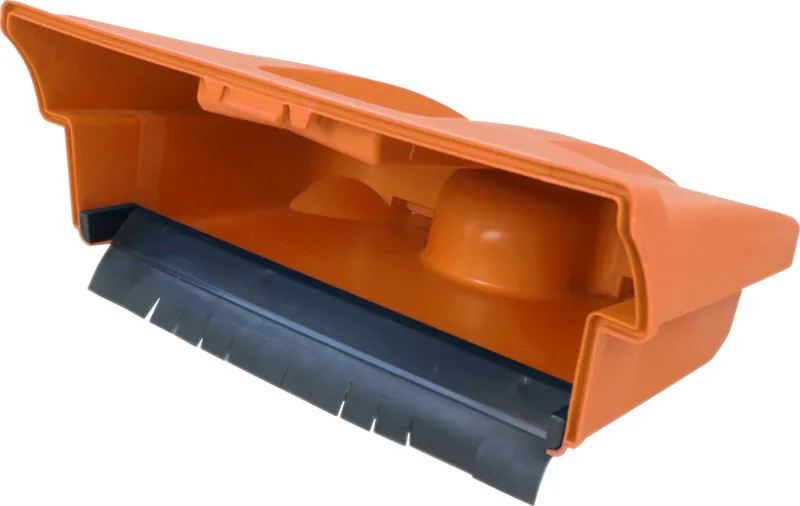
56 sider
Kategorier


Atika Manuals
Overview
Atika Manuals refers to a collection of user guides, technical documents, and instructional resources associated with Atika-branded products and services. These manuals are designed to help users, technicians, and administrators understand the features, installation procedures, operation, maintenance, and troubleshooting steps for a variety of equipment and systems. Whether the focus is consumer electronics, industrial machinery, software, or service-oriented solutions, Atika Manuals aim to provide clear, structured, and practical guidance to ensure safe and effective use.
Purpose and Importance
User Empowerment
Atika Manuals empower end users by explaining how to correctly operate products, access features, and leverage available functionality. Clear manuals reduce user confusion and increase satisfaction by helping users achieve desired outcomes more quickly.
Safety and Compliance
Many Atika products may involve electrical, mechanical, or chemical hazards. Manuals include safety warnings, precautions, and compliance information to minimize risk and ensure adherence to regulatory standards and best practices.
Maintenance and Longevity
Proper maintenance instructions—such as routine checks, cleaning, part replacement, and lubrication—extend product life and preserve performance. Manuals provide recommended maintenance schedules and detail how to perform maintenance tasks safely.
Troubleshooting and Support
When problems arise, a well-structured manual offers troubleshooting flowcharts, common-error lists, diagnostic procedures, and corrective actions that reduce downtime and the need for technical support.
Typical Structure and Content
Title and Identification
Each Atika Manual typically begins with a title page that includes product name, model number, edition, publication date, and contact information for technical support or customer service.
Table of Contents
Comprehensive tables of contents allow quick navigation through chapters, sections, and appendices. For digital manuals, clickable links or bookmarks enhance usability.
Safety Information
A dedicated safety section outlines general and product-specific hazards, required personal protective equipment (PPE), and emergency procedures. Warning symbols and color coding help highlight critical cautions.
Product Overview
This section describes product features, components, technical specifications (dimensions, power ratings, capacities), included accessories, and product diagrams or schematics.
Installation and Setup
Step-by-step installation instructions cover site requirements, unpacking, mounting, electrical connections, software installation (if applicable), and initial configuration. Diagrams and checklists support correct setup.
Operation and Usage
Detailed operating instructions explain normal workflows, user interface elements, control settings, modes of operation, and example use cases. Tips for optimal performance and energy efficiency may be included.
Maintenance and Servicing
Routine maintenance tasks are listed with recommended intervals, required tools, replacement parts, and detailed procedures. For service technicians, advanced disassembly, recalibration, and testing instructions may be provided.
Troubleshooting
A troubleshooting section helps users diagnose issues through symptom-based guidance, error codes, probable causes, and stepwise remedies. Escalation steps and support contact details are often included.
Parts and Diagrams
Exploded views, parts lists, ordering codes, and cross-reference tables assist in identifying and ordering replacement components. Wiring diagrams and circuit layouts are provided for electrical systems.
Appendices and Legal
Additional information such as technical appendices, firmware update notes, regulatory declarations (CE, FCC), warranty terms, and disposal/recycling instructions conclude the manual.
Formats and Accessibility
Atika Manuals are commonly distributed in multiple formats to suit diverse user needs:
- Printed booklets for packaged products
- PDF downloads for offline access and easy printing
- Interactive HTML manuals with hyperlinks and embedded media
- Embedded help systems within software or device firmware
- Video tutorials and animated walkthroughs for complex procedures
Accessibility features—such as selectable text, alt text for images, and compatibility with screen readers—help ensure that manuals are usable by people with disabilities.
Best Practices for Creating Atika Manuals
Clear and Concise Language
Use plain language, short sentences, and consistent terminology. Avoid jargon unless defined; provide glossaries for technical terms.
Visual Aids
Include clear diagrams, photos, icons, and flowcharts. Annotated images and step-by-step visuals improve comprehension, especially for hands-on tasks.
User-Centered Organization
Design manuals with the user's journey in mind: rapid-start guides for new users, stepwise instructions for common tasks, and advanced sections for technicians.
Localization and Translation
Provide translated versions for target markets, adapting measurements, safety standards, and regulatory references appropriately. Ensure translations are reviewed by native-speaking technical reviewers.
Version Control and Updates
Maintain document versioning, change logs, and update distribution channels. For software-related manuals, note compatible firmware or software versions.
Typical Readers and Stakeholders
Atika Manuals are used by a range of stakeholders, including:
- End users and operators who need guidance for everyday use
- Maintenance personnel responsible for servicing and repairs
- Installation technicians who perform initial setup
- Engineers and designers seeking technical specifications
- Regulatory auditors and safety inspectors verifying compliance
- Customer support teams referencing troubleshooting and diagnostics
Common Challenges and Solutions
Keeping Manuals Up to Date
Challenge: Rapid product iterations and firmware updates can make manuals obsolete. Solution: Adopt living documents (online manuals) and publish update notices along with version histories.
Balancing Detail and Readability
Challenge: Technical accuracy can conflict with simplicity. Solution: Use tiered documentation: quick start guides for general users and detailed service manuals for technicians.
Multimodal Learning Preferences
Challenge: Users prefer different learning styles (visual, auditory, kinesthetic). Solution: Offer a mix of text, images, and video tutorials; include downloadable checklists and printable schematics.
How to Find and Use Atika Manuals
- Manufacturer Website: The official Atika website typically hosts the latest manuals in a downloads or support section.
- Product Packaging: Check included printed manuals or QR codes linking to online resources.
- Customer Support: Contact technical support for product-specific documentation or clarification.
- Authorized Service Centers: Service centers may provide technician-level manuals and parts lists.
When using a manual, verify that the document matches the exact product model and firmware/software revision. Follow safety warnings and recommended maintenance schedules to avoid voiding warranties.
Conclusion
Atika Manuals are essential resources that ensure safe operation, proper maintenance, and effective troubleshooting of Atika products. Well-crafted manuals improve user satisfaction, reduce service costs, and help maintain compliance with safety and regulatory standards. By combining clear language, practical visuals, and accessible formats, Atika Manuals serve users across skill levels—from first-time operators to experienced technicians—ensuring products perform reliably throughout their service life.
Search for 67 706 Manuals online


Skriv inn merke eller modell