

Gratis bruksanvisninger for Dreame – les, last ned og skriv ut
2 Manualer
Manualer
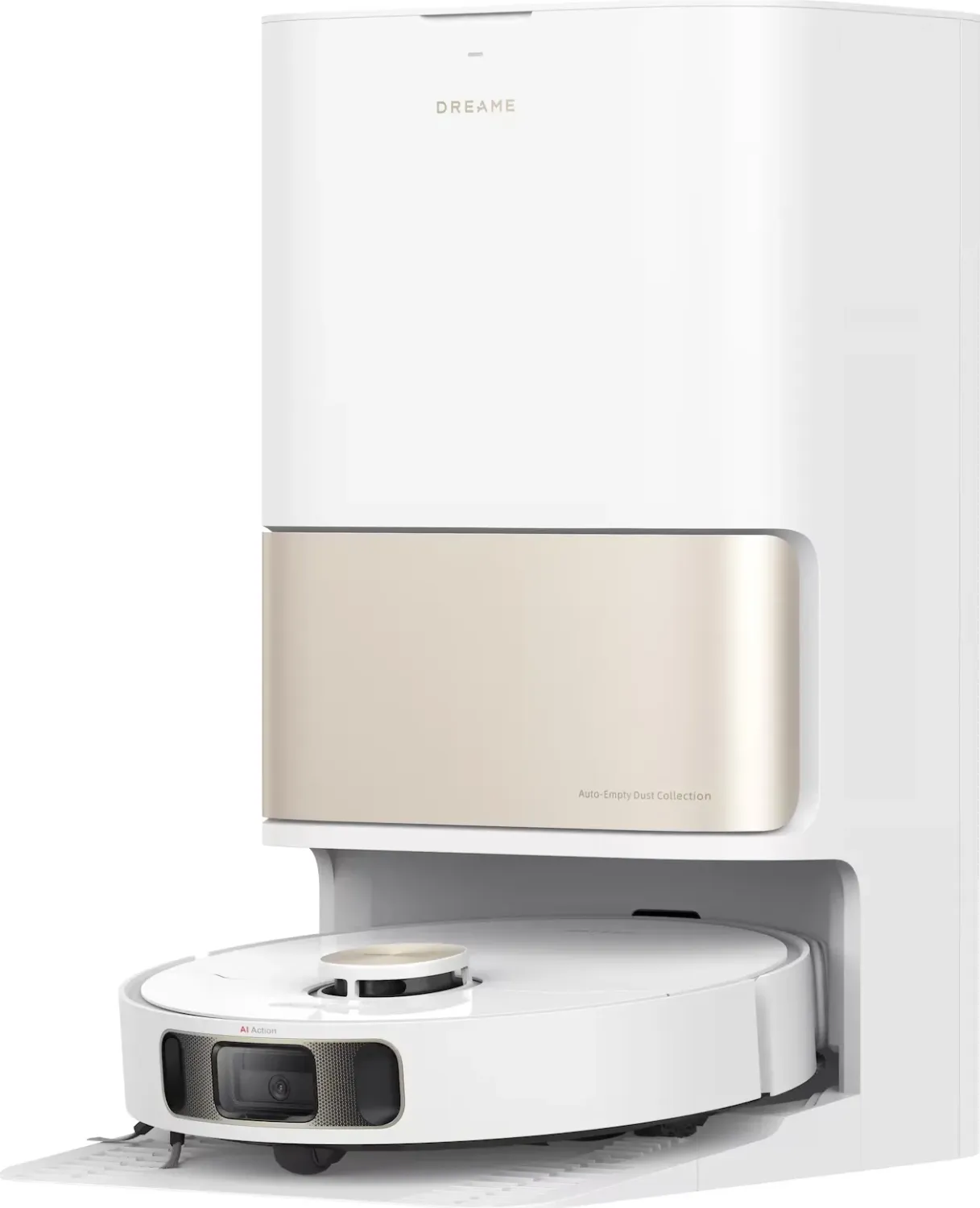
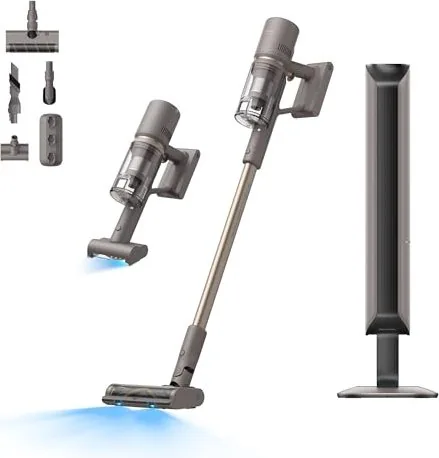
Kategorier


Dreame Manuals
Overview
Dreame Manuals provide comprehensive, user-friendly documentation for Dreame-branded home appliances and smart cleaning devices, including robot vacuums, cordless vacuum cleaners, and related accessories. These manuals are designed to help users understand product features, perform initial setup, optimize performance, and troubleshoot common issues. They combine step-by-step instructions, safety guidelines, maintenance tips, and technical specifications to ensure safe and efficient use of Dreame products.
Purpose and Audience
Dreame Manuals are intended for a broad audience: new owners unboxing a device for the first time, experienced users seeking advanced tips, and technicians performing repairs or diagnostics. The manuals aim to reduce setup time, minimize user errors, and extend product lifespan by providing clear guidance on correct operation and upkeep.
Typical Structure of a Dreame Manual
Title and Model Identification
Each manual begins with a clear title and the specific model number, ensuring users can confirm they are reading the correct documentation for their device.
Safety Information
A prominent safety section outlines general precautions (e.g., keep away from water, avoid exposing the battery to extreme temperatures), warnings about potential hazards, and specific cautions for use around children and pets. This section also includes compliance statements such as CE, FCC, and WEEE where applicable.
Package Contents
This section lists items included in the box: main unit (robot or stick vacuum), charging dock or power adapter, dustbin or dirt cup, filters, brushes, spare parts, remote control, and any additional accessories. A visual diagram or labeled photograph is often provided to help users verify contents.
Product Overview and Components
Detailed diagrams identify external components (buttons, sensors, dustbin release, brush roll, filter slots) and internal elements (battery compartment, motor housing). Descriptions explain the function of each part and how it interacts with the system.
Installation and Setup
For robot vacuums: instructions cover choosing an optimal charging dock location, pairing to Wi-Fi or app, placing boundary markers or magnetic strips (if applicable), and performing an initial charge cycle. For cordless vacuums: guidance includes battery charging, attaching various heads and tools, and testing power modes.
App Connectivity and Smart Features
Dreame Manuals typically detail how to download and register the mobile app (Android and iOS), create an account, and connect the device to home Wi-Fi. Users are guided through features like mapping, no-go zones, scheduling, suction power control, firmware updates, and integration with smart home platforms (e.g., Alexa, Google Assistant). Screenshots and flow steps assist with the pairing process and troubleshooting connectivity issues.
Operation Modes and Usage Tips
Manuals explain different cleaning modes (auto, spot, edge, max power), recommended settings for various floor types (hardwood, tile, carpet), and tips for maximizing battery life. For cordless models, users learn about power levels, brush roll switching, and using specialized attachments for upholstery, crevices, and pet hair.
Maintenance and Care
Routine maintenance instructions include emptying and cleaning the dustbin, washing or replacing filters on a recommended schedule, untangling hair from brush rolls, and cleaning sensors and wheels to preserve navigation accuracy. Battery care recommendations—such as storage state of charge and temperature ranges—are provided to preserve battery health.
Troubleshooting Guide
Common issues are listed with probable causes and step-by-step solutions: failure to power on, reduced suction, poor navigation or mapping errors, app connection failures, unusual noises, error codes, and charging problems. The guide often includes a quick reference of LED or app error code meanings and recommended corrective actions.
Technical Specifications
This section provides detailed specs: battery capacity and type, charge time, runtime, suction power (Pa), noise levels (dB), dustbin capacity, dimensions, weight, motor type, and supported Wi-Fi bands (2.4 GHz vs. 5 GHz). Regulatory and environmental specifications may also be included.
Warranty and Service Information
Dreame Manuals normally outline warranty coverage, warranty period, and the process for submitting claims or requesting repairs. Contact methods for customer support, authorized service centers, and return policies are provided.
Spare Parts and Accessories
A parts list with ordering codes for consumables (filters, brush rolls, batteries) and optional accessories (mops, water tanks, replacement docks) helps users maintain and upgrade their devices.
Appendices and Legal Notices
Additional sections may include disposal and recycling instructions, software license acknowledgements, and other legal disclaimers.
Writing Style and Presentation
Dreame Manuals are written in clear, concise language with an emphasis on practical steps. Visual elements—photographs, labeled diagrams, icons, and flowcharts—are heavily used to convey actions and component locations. Safety icons and color-coded cautions help highlight critical warnings. Language translations and regional variations are common to serve international markets.
How to Use a Dreame Manual Effectively
- Confirm the model number on your device matches the manual’s title.
- Read safety instructions before operating the device.
- Follow the initial setup steps exactly, especially app pairing and first charge cycles.
- Use diagrams to identify removable parts before maintenance.
- Keep a maintenance schedule for filter replacement and brush cleaning.
- Consult the troubleshooting section before contacting support to save time.
Common Questions Addressed
- How do I connect my Dreame device to Wi-Fi and the mobile app?
- What do specific error codes mean and how can I fix them?
- How often should I replace filters or clean brush rolls?
- How can I improve mapping accuracy and prevent navigation errors?
- What accessories are compatible with my model?
Accessibility and Multilingual Support
Most Dreame Manuals are available in multiple languages and distributed as both printed quick-start guides and full PDF manuals downloadable from the Dreame website. Visual guides and simple step lists help users with varied technical backgrounds.
Digital Resources and Updates
Dreame often provides firmware updates and revised manuals online. The mobile app may prompt firmware upgrades that enhance functionality or fix bugs; the manual typically outlines how to initiate these updates and what precautions to take.
Best Practices for Maintenance and Longevity
- Empty the dustbin after each cleaning session for optimal performance.
- Wash washable filters regularly and replace HEPA or activated carbon filters as recommended.
- Remove hair and debris from brush rolls and bearings to prevent motor strain.
- Keep sensors and charging contacts clean to maintain charging efficiency and navigation.
- Store spare batteries in a cool, dry place and avoid full depletion when possible.
Summary
Dreame Manuals combine safety guidance, setup instructions, operational tips, maintenance schedules, troubleshooting steps, and technical data to help users get the most from their Dreame devices. Clear visuals, concise steps, and app integration instructions make these manuals practical tools for both new and experienced users, ensuring efficient cleaning performance and prolonged device life.
Search for 67 706 Manuals online


Skriv inn merke eller modell