
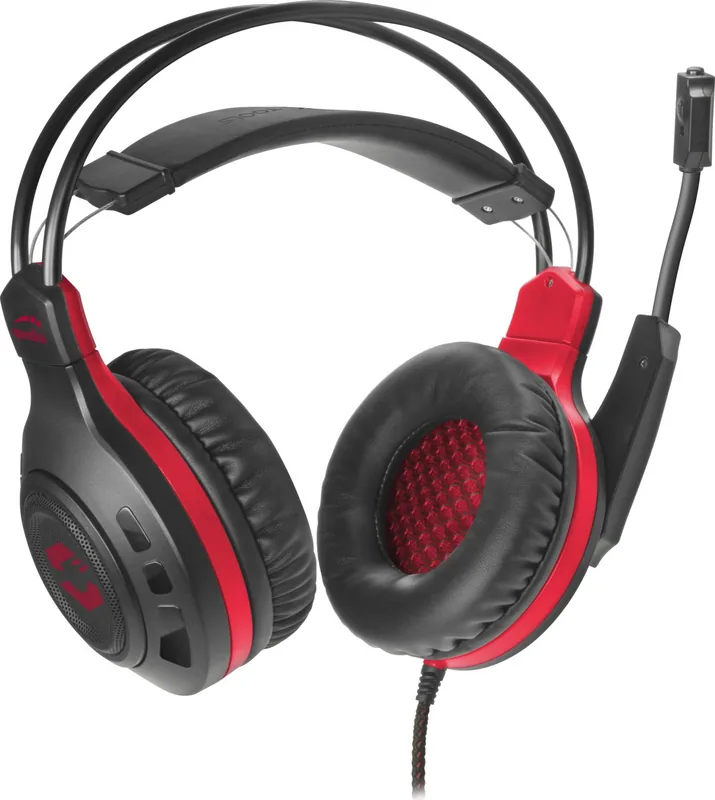
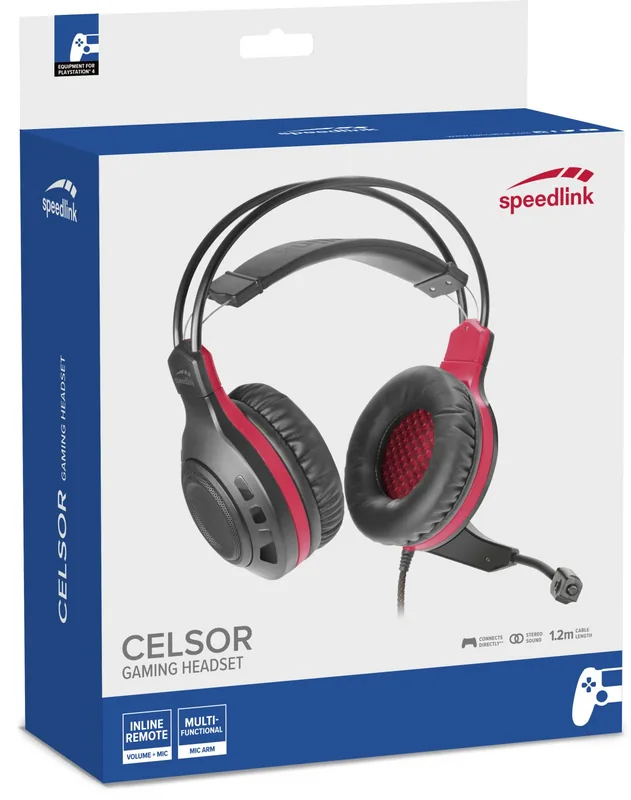
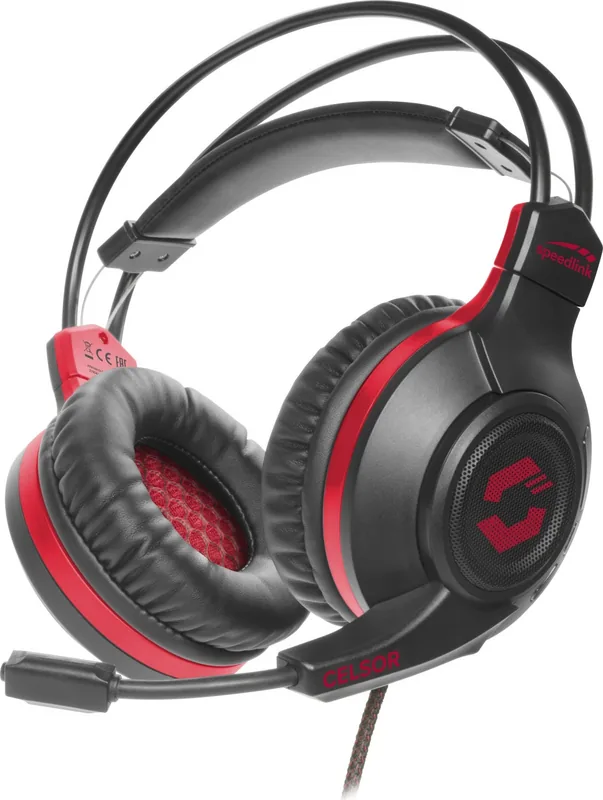
Speedlink Celsor Bruksanvisning
PDF-manual · 2 sider
Nynorsk



Rask sjekk
Incorrect answer, please try again.
Chat med din Speedlink Celsor-manual ved hjelp av AI
Få umiddelbare AI-svar fra din Speedlink Celsor-manual
Spør hva som helst om Speedlink Celsor. Svarene kommer fra denne manualen, med de sidene de er basert på.
Ask a Question
Do you recommend Celsor?
Ja NeiFrequently Asked Questions
It is intended to be used as a headset connected to a computer or another audio source. The focus is on home or office use in dry, enclosed indoor rooms, such as for communication and everyday listening.
Er dette svaret nyttig?
No. The headset is described as maintenance-free and includes no user-serviceable parts. You should not open it, and if it becomes damaged, you should stop using it.
Er dette svaret nyttig?
The intended use specifies dry, closed indoor environments. Using it in humid or wet conditions is not recommended and can increase the risk of damage or unsafe operation.
Er dette svaret nyttig?
The headset includes microphone mute and volume control via a remote. It also uses separate connections for headphone and microphone, with guidance commonly shown through connection labeling.
Er dette svaret nyttig?
Stop using it immediately if it is damaged. Since the product contains no user-serviceable parts, do not open it. Discontinue use to avoid potential injury or further product damage.
Er dette svaret nyttig?
Follow WEEE guidance: dispose of the device at a recycling point and do not dispose with household waste. Incorrect storage or disposal may harm the environment and/or health.
Er dette svaret nyttig?
The product is declared to comply with listed directives referenced in the conformity notice, including EMC and RoHS. For the full declaration of conformity, Speedlink provides a contact route.
Er dette svaret nyttig?
Advantages and Disadvantages
Advantages

- Designed for connecting to a computer or other audio source for home and office indoor use.
- Microphone mute and volume control via an inline remote for quick adjustments.
- Maintenance-free build with no user-serviceable parts.
- Clear usage safety guidance, including stopping use if damaged.
- WEEE disposal instruction supports responsible end-of-life recycling.
Disadvantages

- Intended only for dry, closed indoor spaces, not for wet or outdoor use.
- No user-serviceable parts, so opening or repairs by users are not supported.
- Damage or injury risk increases with careless or improper use.
- Warranty or liability is limited if used for purposes other than intended.
- If damaged, the correct action is to stop using rather than continue troubleshooting.
Produkt Spesifikasjoner
Design
Hodetelefoner (Over-øret)
Formfaktor
Hodebøyle
Mikrofon
Bøylemikrofon
Trådløs
nei
Kontroller
Volumkontroll, Dempknapp
Frekvensområde
20 Hz-10 kHz (Hodetelefoner), 100 Hz-10 kHz (Mikrofon)
Impedans
16 Ohm
Følsomhet
105 dB
Driver
50 mm
Farge
svart, rød
Produkt Beskrivelse
Speedlink Celsor Manual - Gaming Headset for Everyday Audio
If you are looking for a dependable headset for calls, gaming, and everyday listening, the Speedlink Celsor is built for simple, indoor use. Designed to connect to a computer or other audio source, it fits naturally into home and office setups where you want clear audio without complicated setup routines.
The Speedlink Celsor is intended for dry, closed indoor environments only. It is a maintenance-free headset, meaning there are no user-serviceable parts inside. For best results, keep it away from moisture, avoid opening the headset, and stop using it immediately if it is damaged. Like many audio devices, it is also important to use it correctly, since improper use can lead to product damage or personal injury.
Control is handled directly on the headset system. The Speedlink Celsor features a microphone mute function and volume control via an inline remote, so you can adjust quickly during meetings or gameplay. Connection guidance is also included, including separate headphone and microphone connections (commonly marked by color), helping you plug into the right ports on your computer or audio device.
From a compliance standpoint, the Speedlink Celsor is declared to meet relevant directives. It also carries WEEE disposal guidance, advising that the product should be taken to a recycling point rather than disposed of with household waste. This helps reduce environmental impact and supports safe end-of-life handling.
Key takeaways
- Maintenance-free headset for indoor home and office use.
- Use it only in dry, enclosed spaces and keep it protected from moisture.
- Microphone mute and volume control are available on the remote.
- Do not disassemble; stop using immediately if damaged.
- Recycle at a recycling point, not with household waste.
Notes
- Keep the product information for later reference.
- For full conformity details, refer to Speedlink's contact information.
- If you experience any damage or malfunction, discontinue use and replace if needed.
Pros and cons at a glance
- Pros: Purpose-built for computer audio, simple controls, indoor use guidance, maintenance-free design, responsible WEEE disposal instruction.
- Cons: Not intended for wet or outdoor environments, no user-serviceable parts, must not be opened, safety and liability depend on correct usage.
Search for 67 706 Manuals online


Skriv inn merke eller modell