
Vivanco IT-PO NB AC 90 Bruksanvisning
PDF-manual · 4 sider
Nynorsk



Rask sjekk
Incorrect answer, please try again.
Chat med din Vivanco IT-PO NB AC 90-manual ved hjelp av AI
Få umiddelbare AI-svar fra din Vivanco IT-PO NB AC 90-manual
Spør hva som helst om Vivanco IT-PO NB AC 90. Svarene kommer fra denne manualen, med de sidene de er basert på.
Ask a Question
Do you recommend IT-PO NB AC 90?
Ja NeiFrequently Asked Questions
Check your notebook or the original charger label for the required output voltage, such as "Output 19VDC". If your model is not listed in the compatibility table, use the label information to set the matching voltage before connecting the adapter.
Er dette svaret nyttig?
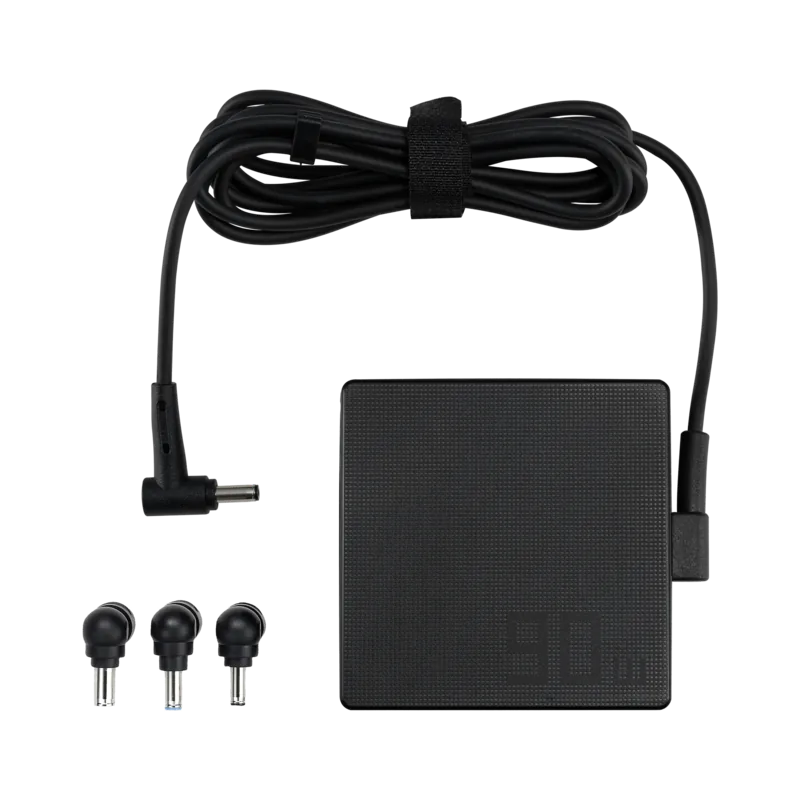
Different laptops use different connector shapes. The adapter includes nine specially designed tips, each with a printed tip number on its side. Choose the tip that matches your laptop connector, then attach it gently to the universal output cable.
Er dette svaret nyttig?
The manual warns that incorrect polarity or voltage settings can cause damage. To prevent problems, always verify the adapter output voltage, output current needs, and polarity match the device specifications before powering your notebook.
Er dette svaret nyttig?
The adapter supports up to 90W. Before use, confirm your notebook's maximum supply requirement on its label or in the device documentation, and ensure it does not exceed the adapter's capacity.
Er dette svaret nyttig?
After connecting the power cord to the adapter and plugging the adapter into a wall outlet, the indicator lamp should light up. With the correct tip and settings, your notebook should operate and charge properly.
Er dette svaret nyttig?
No. The adapter should be used only in dry places. Avoid moisture exposure and keep the area safe while the adapter is operating.
Er dette svaret nyttig?
No. The manual states that the adapter must not be opened. Repairs should be carried out only by trained specialists. If the device does not work properly, disconnect immediately and re-check voltage, tip selection, and polarity.
Er dette svaret nyttig?
Advantages and Disadvantages
Advantages

- Universal compatibility with nine specially designed connector tips for notebook and netbook power connections.
- Up to 90W output, suitable for many laptops as long as you match your device power requirements.
- Indicator lamp confirms power connection, supporting correct charging behavior when configured properly.
- Multiple safety circuits plus clear instructions to verify voltage, current needs, and polarity before use.
Disadvantages

- Requires careful voltage and polarity matching; incorrect settings can risk damage.
- Not a one-size-fits-all plug-in: you must select the correct tip number and confirm compatibility.
- For safety, it must be used only in dry conditions and within the stated temperature range.
- The adapter should not be opened; repairs are limited to trained specialists.
Produkt Spesifikasjoner
Type
Tredjepart
Kompatibilitet
Asus, Benq, Compaq, Dell, Fujitsu, HP, IBM, LG, Lenovo, Samsung, Sony, Toshiba
Effekt
90 W
Inngangsspenning
100-240 V
Utgangsspenning
15 V, 16 V, 19,5 V
Strøm
4,6 A
Funksjoner
11 adapterplugger
Produkt Beskrivelse
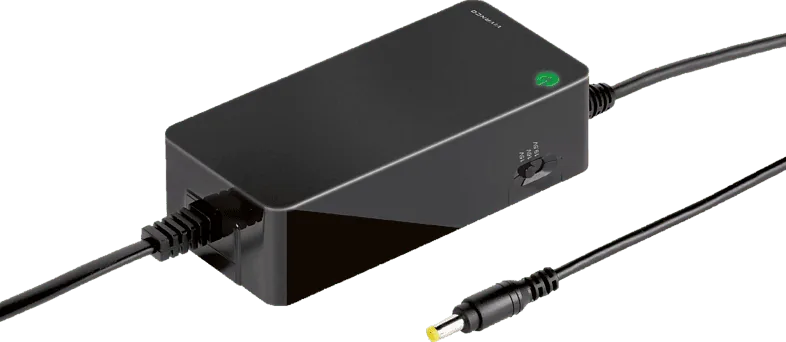
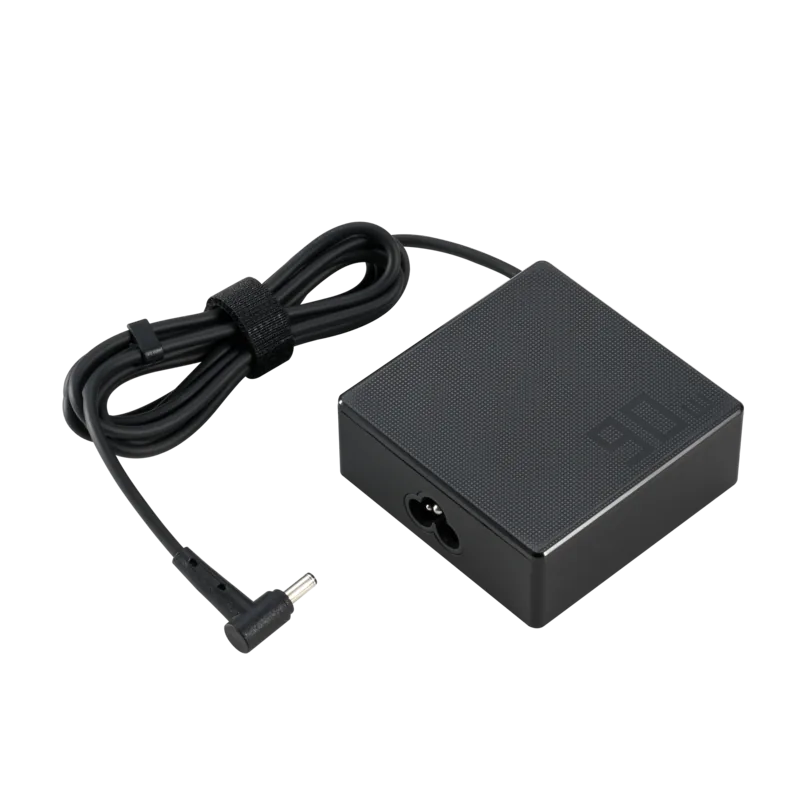
Vivanco Universal Power Adapter for Notebooks and Netbooks (90W)
Keeping a laptop powered up should be simple, and the Vivanco Universal power adapter for notebooks and netbooks, 90W Manual is designed for that everyday reliability. This 90W AC/DC adapter is built for common notebook and netbook needs, helping you charge and run your device with the right electrical match.
A key strength of this universal adapter is its flexibility. Inside the delivery scope, you get nine specially designed connector tips. Since different laptop models use different power plugs, you select the correct tip by checking the tip number printed on the side. You also confirm the required output voltage from your laptop or the original charger label, for example "Output 19VDC". This ensures the adapter output voltage, output current needs, and polarity align with your device.
Before connecting, take a moment to verify the essential specifications. Even though the adapter includes safety circuits, correct settings matter. The manual highlights that improper polarity or voltage settings can lead to damage, so always double-check the output values listed for your notebook. When configured properly, the adapter is intended to provide stable power so your notebook operates and charges correctly.
Setup is straightforward: choose the correct voltage, attach the correct tip to the universal output cable, connect the power cord to the adapter, and then plug it into a wall outlet. The indicator lamp lights up to confirm power is flowing, and your notebook should start charging as expected.
Safety and usage notes
- Use the adapter within the supported temperature range: do not expose it to direct sunlight or temperatures below -20C or above 70C.
- Do not use the adapter with damaged input/output cables or plugs.
- The adapter supports up to 90W, so confirm your notebook's maximum power requirement before use.
- Use only in dry places and keep children supervised while the adapter is in operation.
- Do not open the adapter; repairs should be done by trained specialists.
- Never insert the device-side output plug into a wall socket.
Overall, the Vivanco universal 90W solution is a practical choice for households and offices that want a dependable spare or replacement charger, with clear guidance on voltage and tip selection for compatibility across notebook and netbook models.
Søk i 67 732 bruksanvisninger på nett


Skriv inn merke eller modell
Marta Vieira
10 måneder siden
Inneholder pakken riktig adapter for min Asus bærbar PC? Min Asus-modell trengte en adapter, men ingen passet.
Manual.ly
10 måneder siden
Takk for tilbakemeldingen. Adapterkompatibilitet avhenger av den nøyaktige Asus-bærbaremodellen og porttypen. Vennligst sjekk produktbeskrivelsen for støttede modeller og nødvendig kobling/port. Hvis din Asus-modell vises som kompatibel, men ingen adapter passer, kontakt support med modellnavnet på den bærbare PC-en din (og ideelt sett et bilde av porten). Vi kan bekrefte hvilken adapter du trenger og hjelpe deg med å få den riktige eller den rette konfigurasjonen. Sjekk også enhetens port (USB-C/Thunderbolt, HDMI/VGA, osv.), siden noen porter som ser like ut ikke er utskiftbare. Når vi har modellinformasjonen, vil vi hjelpe deg raskt.